
Tag: passwords
-
How Strong Is Your Password? Find Out with Passwordmonster
These past couple of weeks we talked about passwords pretty often. We’ve shared tips on safely sharing credentials with Bitwarden, storing them locally with KeePass, managing them with AuthPass or NordPass, exploring what Buttercup can do, generating strong passwords with SPNE and Dalenryder Password Generator, and recovering saved logins from external drives using ExtPassword!. This…
-
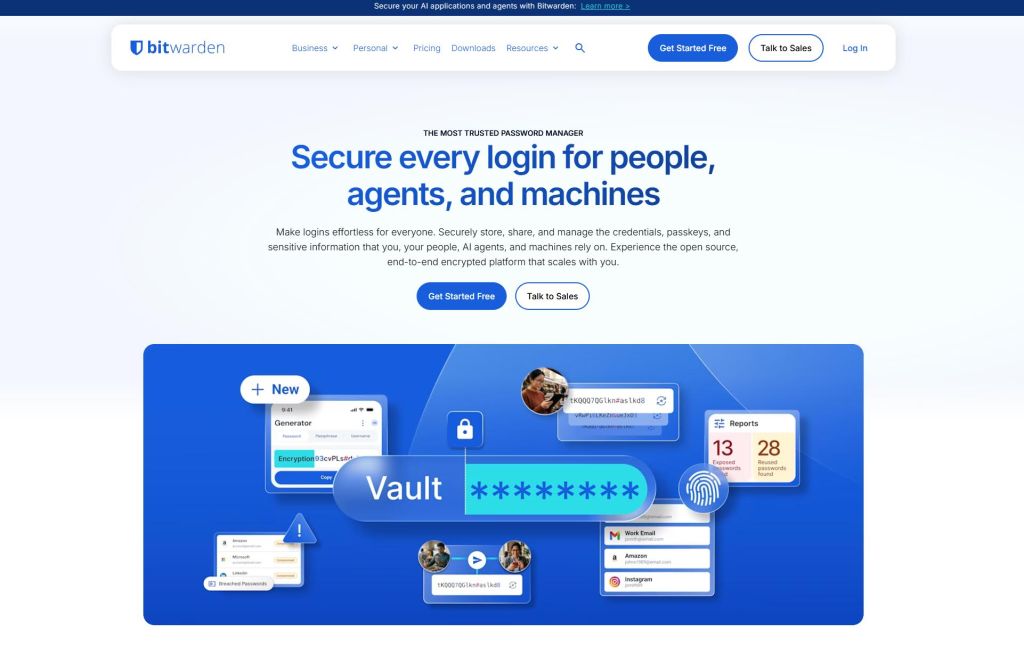
How to Securely Share Passwords with Bitwarden
For many, Bitwarden is the top-tier password manager, especially when it comes to securely sharing login credentials with others. While sharing accounts isn’t always ideal, chances are you’ll eventually want to share access to a service—like Spotify—with family or friends. Bitwarden offers an “Organizations” feature that lets you share logins with another person for free.…
-
Buttercup Remembers All Your Passwords
Every time you sign up for a new account, you run into the same security advice: make your password long, mix uppercase and lowercase letters, and throw in special characters. Remembering combinations like that is hard enough on its own—and it only gets harder when you need a unique password for every single service. Buttercup…
-
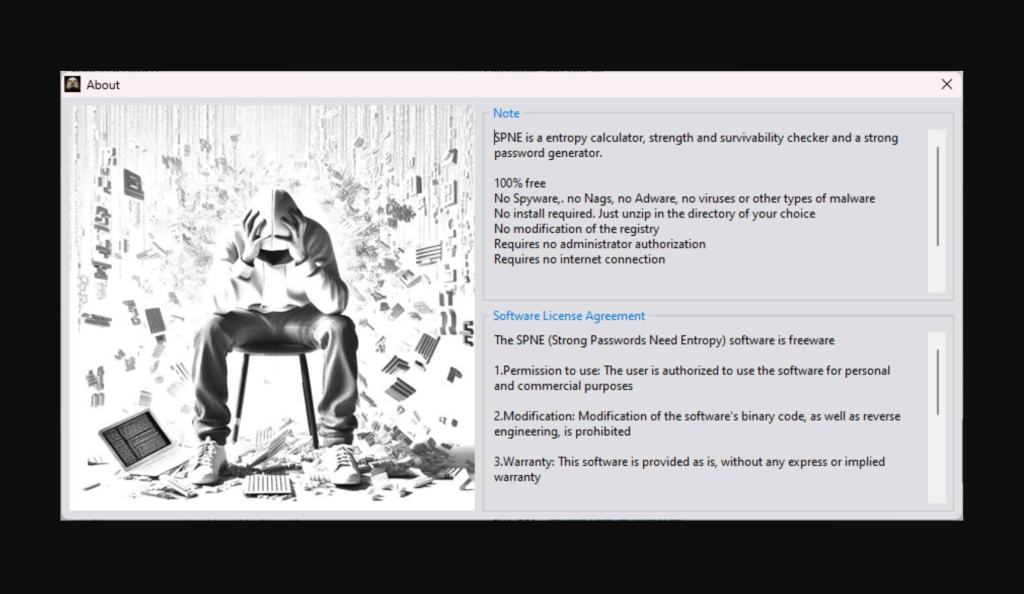
Create Strong Passwords with SPNE
“123456” remains the most common password in the world, leaving your accounts wide open to security risks. So, what kind of password should you actually create, and how secure is it? Strong Passwords Need Entropy (SPNE) tests the strength of your passwords and estimates how long it would take a hacker to crack them. It…
-
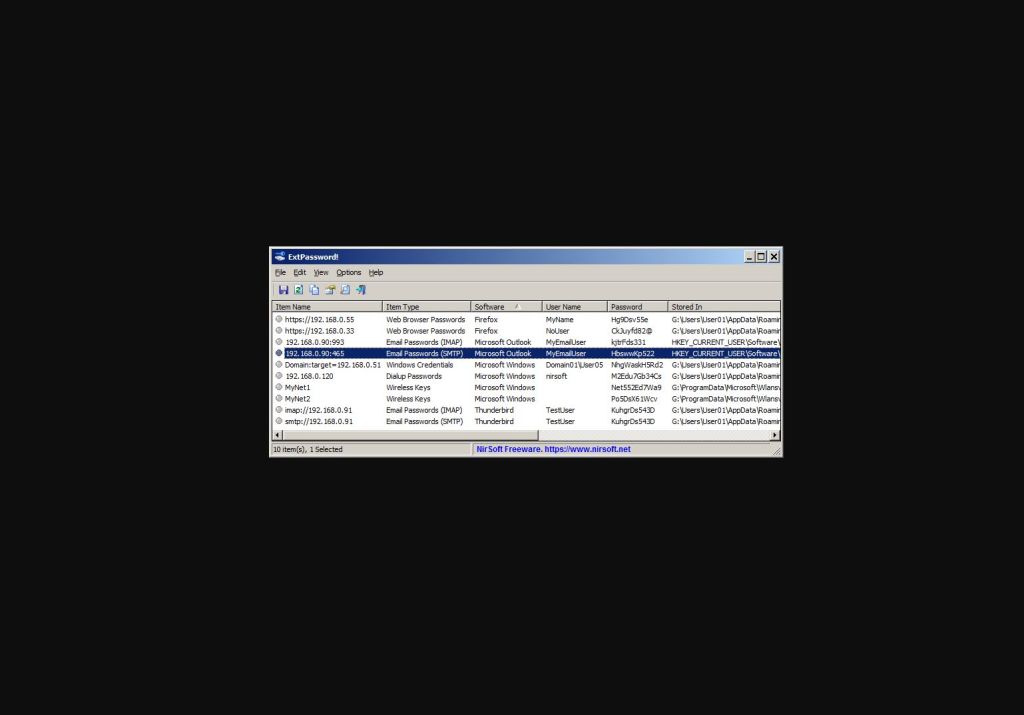
ExtPassword! reveals all passwords stored on external drives
ExtPassword! is a tool from the talented team at NirSoft, allowing you to extract passwords stored on external hard drives and USB sticks. Along with that, it easily pulls any product keys it finds, plus network passwords, and even Windows security questions and answers. Once you download ExtPassword! from the official site, extract the zipped…
-
Keep Passwords Safe with KeePass
Quick heads-up: our cover photo was generated using AI. When it comes to password managers, some tools store your credentials in the cloud, while others keep them locally on your hard drive. If you aren’t comfortable with cloud-based storage, KeePass is an offline password manager that keeps your data secure in a database stored directly…
-
How Long Will We Have to Use Passwords?
Quick heads-up: our cover photo was generated using AI. Nobody likes memorizing long, complex passwords. Yet doing so remains essential if you want to protect your privacy and maintain a strong security posture. It is especially frustrating when the clever passwords you’ve used for years are exposed in a leak and misused by bad actors.…

