
Tag: tech
-
How Strong Is Your Password? Find Out with Passwordmonster
These past couple of weeks we talked about passwords pretty often. We’ve shared tips on safely sharing credentials with Bitwarden, storing them locally with KeePass, managing them with AuthPass or NordPass, exploring what Buttercup can do, generating strong passwords with SPNE and Dalenryder Password Generator, and recovering saved logins from external drives using ExtPassword!. This…
-
Keep Passwords Safe with KeePass
Quick heads-up: our cover photo was generated using AI. When it comes to password managers, some tools store your credentials in the cloud, while others keep them locally on your hard drive. If you aren’t comfortable with cloud-based storage, KeePass is an offline password manager that keeps your data secure in a database stored directly…
-

How Long Will We Have to Use Passwords?
Quick heads-up: our cover photo was generated using AI. Nobody likes memorizing long, complex passwords. Yet doing so remains essential if you want to protect your privacy and maintain a strong security posture. It is especially frustrating when the clever passwords you’ve used for years are exposed in a leak and misused by bad actors.…
-
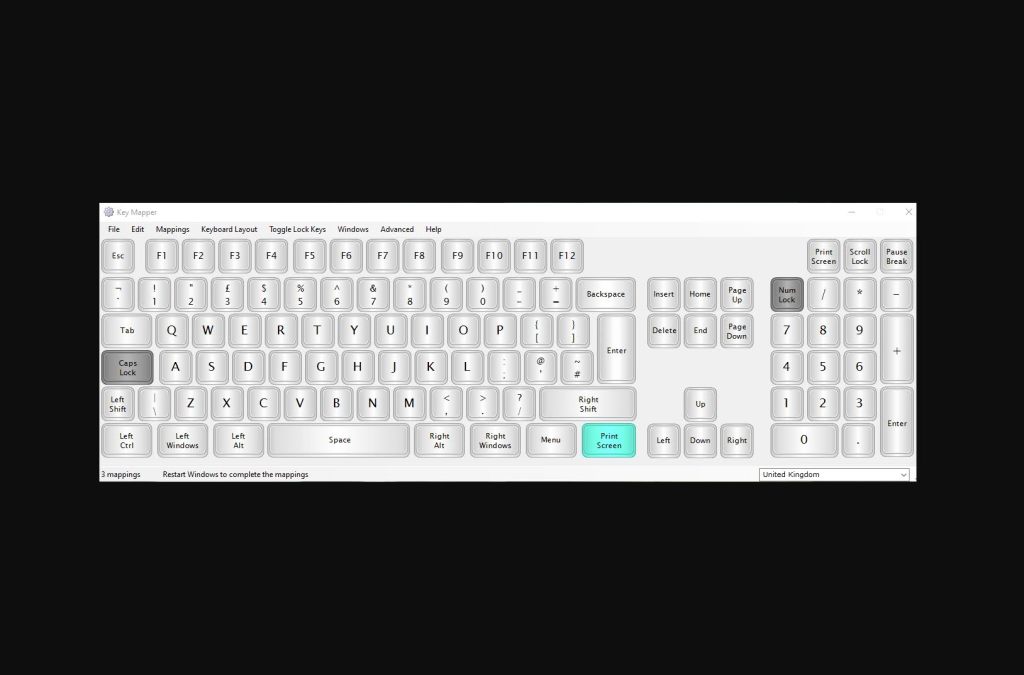
Automate Actions and Launch Programs with KeyMapper
Whenever you sit down at your computer, every task takes time. A few seconds here, a dozen there—you know the drill. KeyMapper is a dedicated app with a single mission: to cut down the time it takes to perform everyday actions within your operating system. By pressing a custom, predefined key, you can instantly launch…
-
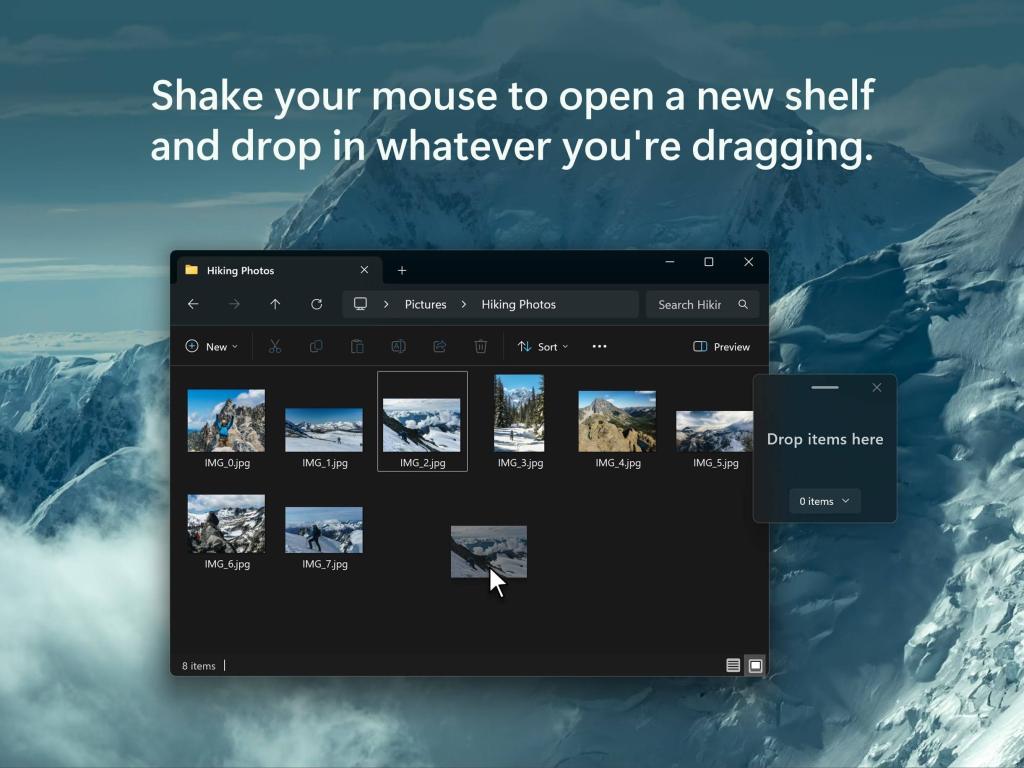
More Efficient File Organization with Dropshelf
Anyone who constantly juggles files, links, and documents knows how chaotic the workflow can get—especially when you are jumping between multiple folders and locations just to track down what you need. Dropshelf is a tool designed to cut through that clutter. It lets you drag and drop files, links, images, or text snippets directly onto…
