
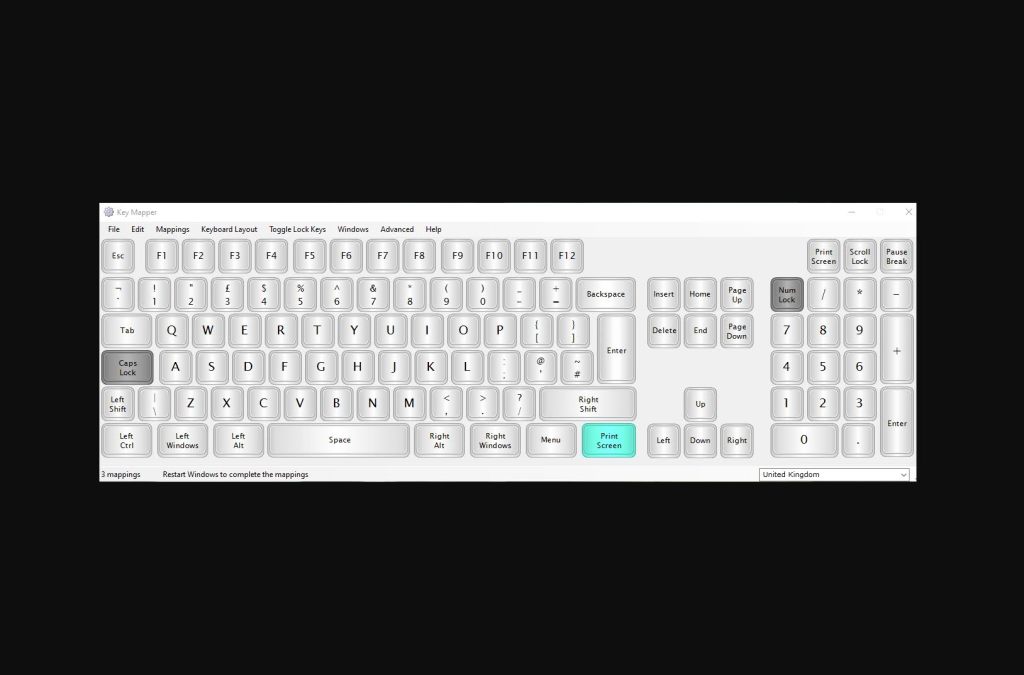
Whenever you sit down at your computer, every task takes time. A few seconds here, a dozen there—you know the drill. KeyMapper is a dedicated app with a single mission: to cut down the time it takes to perform everyday actions within your operating system.

By pressing a custom, predefined key, you can instantly launch specific programs or trigger complex operations.
You will get the most out of KeyMapper if you have a full-sized keyboard. It allows you to completely repurpose the numpad and those extra keys on the right side that almost never see any action.

Simply navigate to the Mapping menu and select Create New Mapping. From there, you can easily define a new shortcut, pick the exact key you want to use, and assign its specific function.

The app is incredibly user-friendly, offering a clear visual layout of all your custom modifications. This makes it simple to keep track of which keys you have already mapped and exactly what they do.

Leave a Reply