
We’ve all been in a situation where we’re trying to explain a computer process to someone who just isn’t following along. Usually, the best solution is to create a step-by-step visual guide. While there are plenty of tools out there for this, Scribe recently caught our eye.

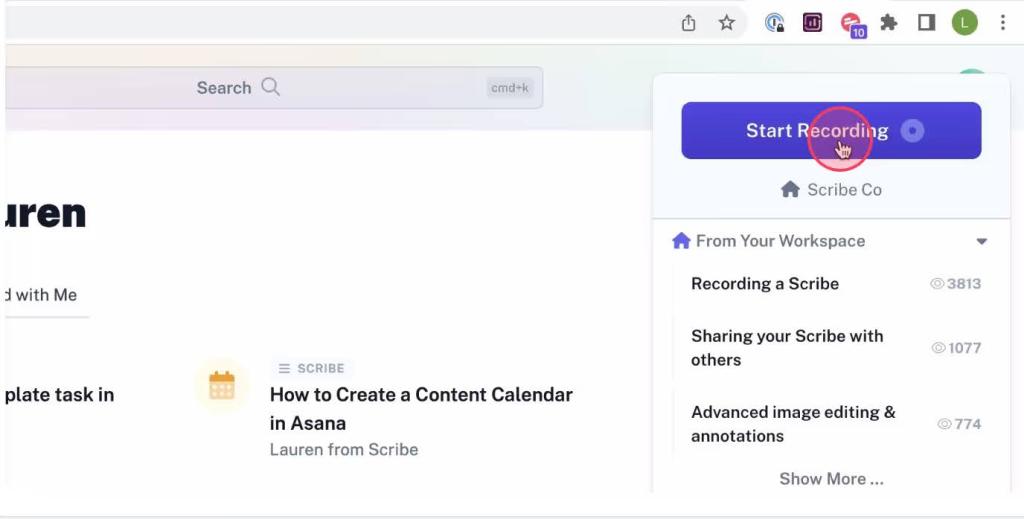
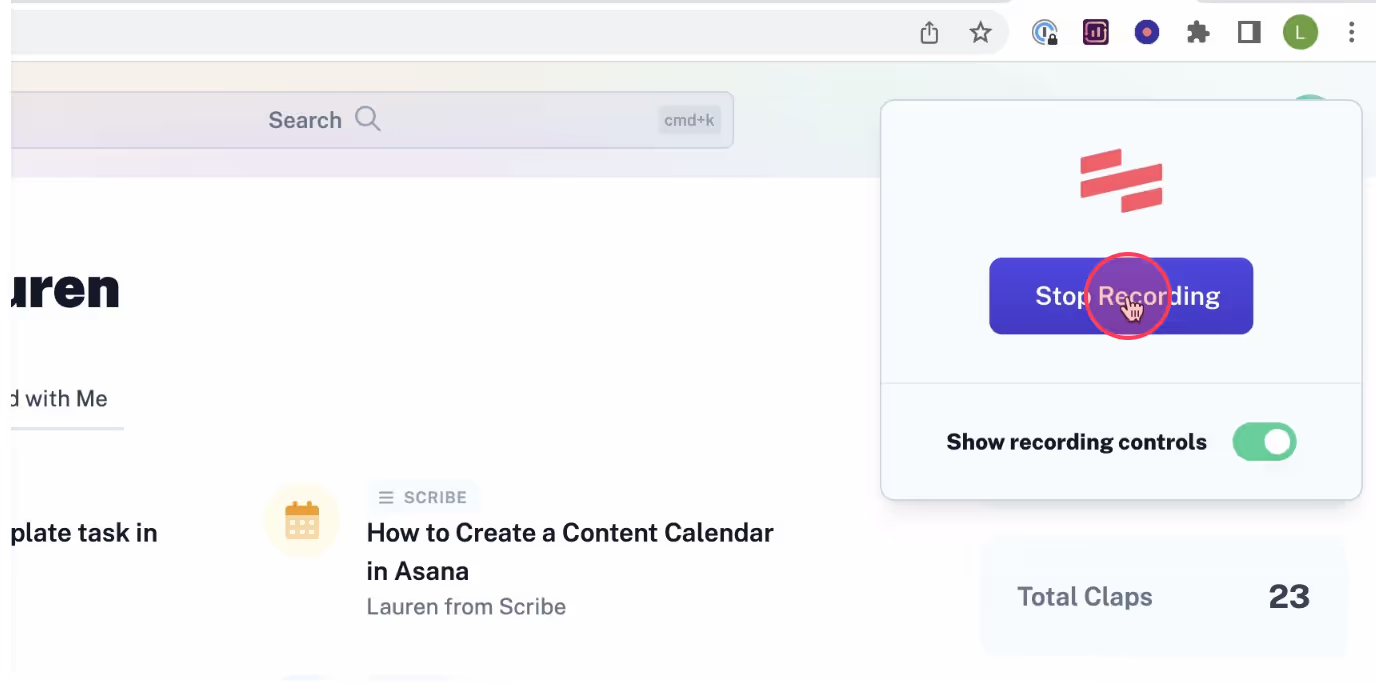
Scribe allows you to record guides directly from your desktop or via browsers like Chrome and Edge. All you have to do is turn on the recorder and walk through the process you want to document. That is literally all it takes—the moment you stop recording, Scribe automatically and instantly generates a comprehensive guide complete with screenshots, explanations, and click highlights.
If you want to add extra details, the entire auto-generated guide is fully editable. Using the edit options, you can modify screenshots to blur out sensitive information, insert text notes, add callouts, and much more.
Finally, sharing your guide is a breeze. With a single click of the Share button, you can distribute your guide as a link or export it in various formats.

Leave a Reply