
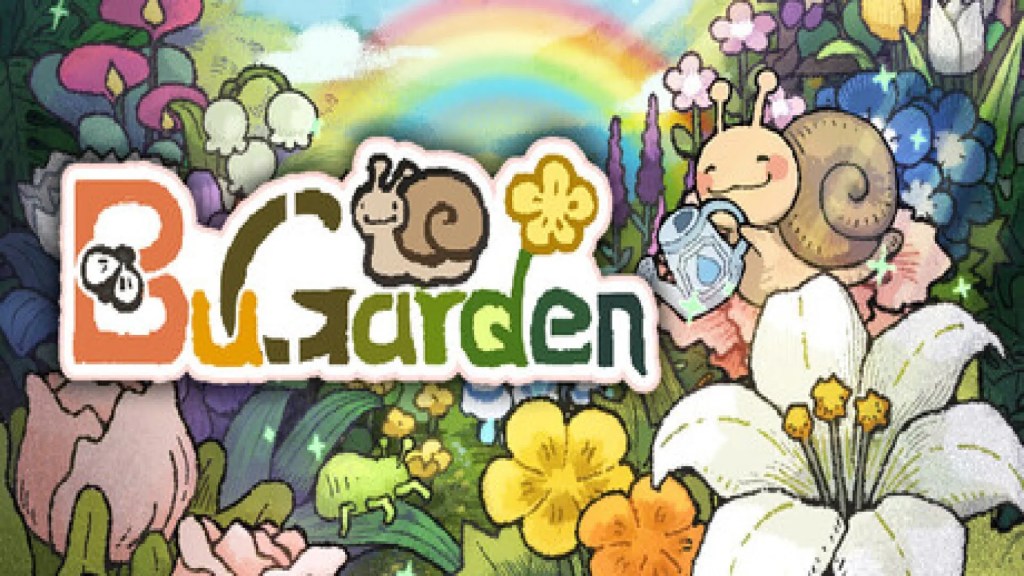
BuGarden is one of the coolest desktop companion apps we’ve come across this year. It’s simple, it sits in the corner of our screen and does its thing while we do ours, like writing this review, for example.
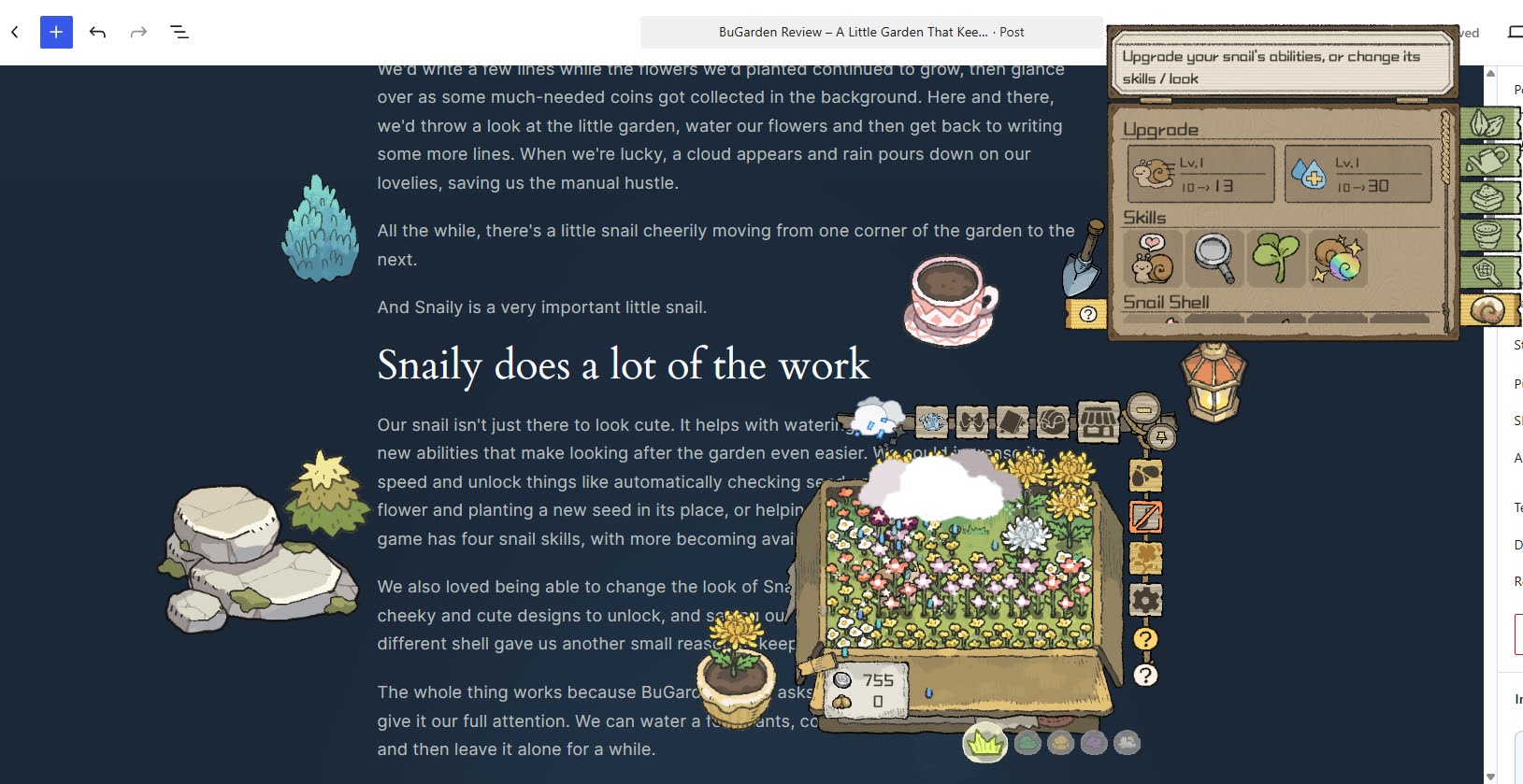
We’d write a few lines while the flowers we’d planted continued to grow, then glance over as some much-needed coins got collected in the background. Here and there, we’d throw a look at the little garden, water our flowers and then get back to writing some more lines. When we’re lucky, a cloud appears and rain pours down on our lovelies, saving us the manual hustle.
All the while, there’s a little snail cheerily moving from one corner of the garden to the next. And Snaily is a very important little snail.

Snaily does a lot of the work
Our snail isn’t just there to look cute. It helps with watering and can be upgraded with new abilities that make looking after the garden even easier. We could increase its speed and unlock things like automatically checking seed grades, harvesting a matured flower and planting a new seed in its place, or helping us get some extra coins. The game has four snail skills, with more becoming available as we progress.
We also loved being able to change the look of Snaily’s shell. There are some really cheeky and cute designs to unlock, and seeing our little helper wandering around with a different shell made us want to keep collecting even more.
BuGarden never asks us to stop what we’re doing and give it our full attention. We can water a few plants, collect some coins, check on Snaily and then leave it alone for a while.
Plant, water, wait, repeat
The actual gardening is straightforward. We plant seeds, water them, fertilise them when we want them to grow faster and wait for them to mature. Some flowers take longer than others, but we’re perfectly fine with that. We’d even dare argue that the waiting is part of why BuGarden is such a cool app.
This isn’t something we want constantly grabbing our attention. We can spend a few minutes tending to our plants, then forget about them while we’re working or doing something else. Coming back later to see that something has finally bloomed feels satisfying as an ice cream on a sunny day.
If we do get tired of watering everything ourselves, we can invest in better tools, including a watering can, hose and sprinkler. Fertilizers also give us ways to speed things up when we’re feeling impatient.
There are also bugs to deal with, although they’re more of a small interruption than a serious problem. We can swat them away, but for maximum cozy feeling, there are options to reduce or disable bug appearances.
So many flowers to collect
There are a lot of flowers to discover, and we don’t know which one we like more. We can’t simply plant everything from the beginning, though. New plants are unlocked by growing combinations of flowers we’ve already discovered, so there is a little bit of progression behind the otherwise very relaxed gardening.
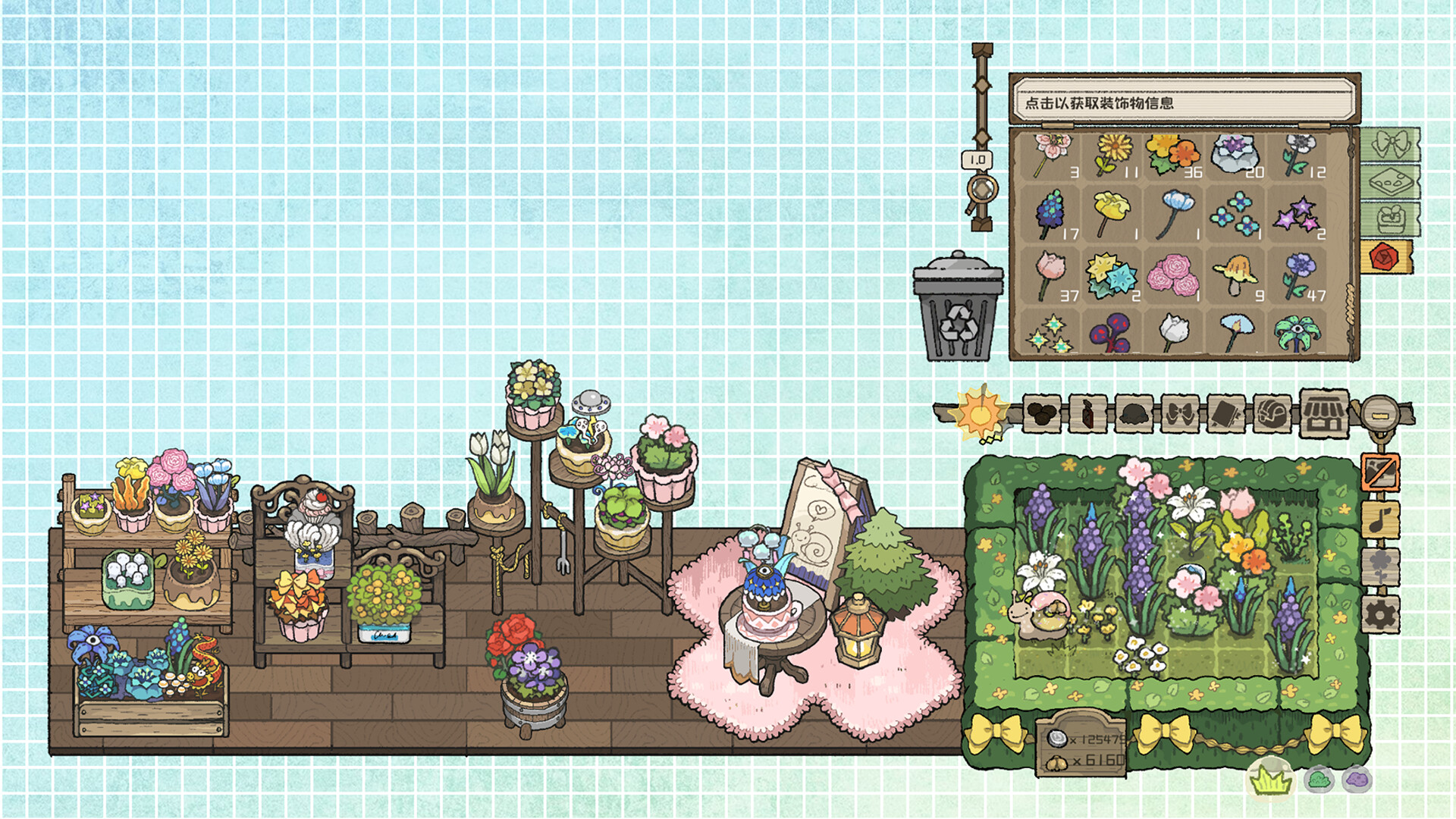
Once a flower matures, we can harvest it and sell it for coins, or we can mark it as a favourite and keep it. Then, we can buy pots, place them around our desktop and put our favourite harvested flowers inside them. Unlike the static decorations, these flowers actually move and wiggle, and they’re ridiculously cute. They sit there swaying away like an adorable puppy dying to be scratched behind its ear. Flower DJ mode makes these flowers sway along with music playing on your computer. It’s an amazing little addition that makes so much sense in a desktop companion and it made our day.
Stuff like that made us keep looking over at the corner of our screen and feel all warm and cozy inside.
Decorating our little corner
Once we had enough coins, we bought a lamp and started placing decorations around our desktop. There are different items, pots and other decorations that let us turn the space around the garden into something of our own. Most of the things we bought from the store were static images, more like stickers than living parts of the garden. That’s a shame because the animated dancing-to-the-rhythm-of-our-songs flowers show just how much more charming the desktop could feel if more of these objects had a little movement to them.
A surprisingly lovely desktop companion
We found BuGarden very satisfying to use. It’s a nice feeling to plant a few seeds, go back to whatever we’re doing and then notice that our little garden has changed when we look over again. We liked having the bugs and flowers keeping us company, watching our Snaily slowly make its way around the garden, collecting coins in the background and gradually unlocking more plants, tools and decorations.
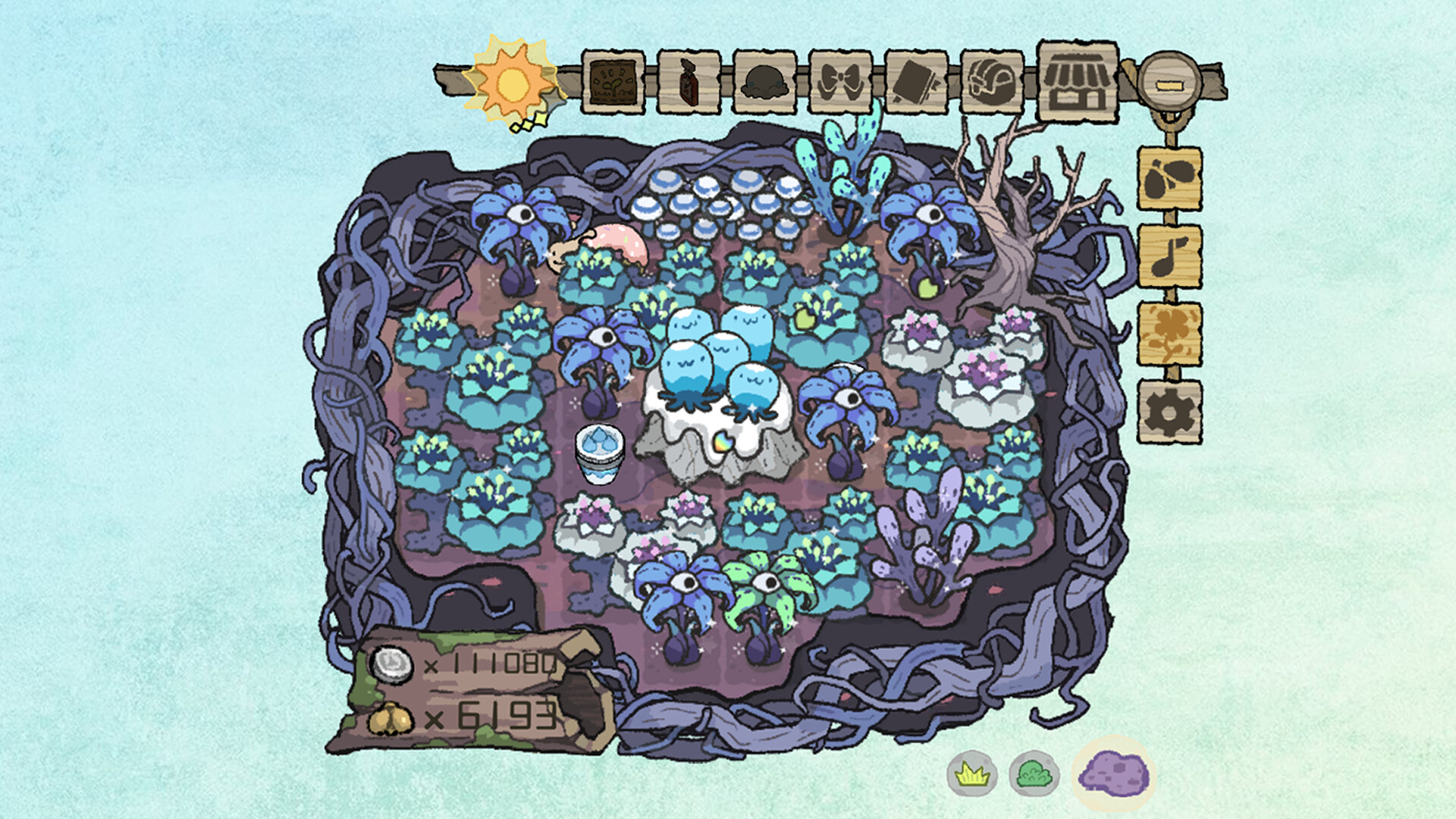
For $4.99, BuGarden is a lovely little companion for anyone who wants something growing quietly beside them while they work, study, write or just spend time at their PC.
Game: BuGarden
Developer: Plum Tree Studio (西梅树工作室)
Publisher: Plum Tree Studio, 3DM Games
Genre: Casual, Indie, Simulation
Platform: PC (Windows, macOS)
Release Date: September 21/22, 2026
Steam Achievements: 40
Website/Store: Steam

Leave a comment