
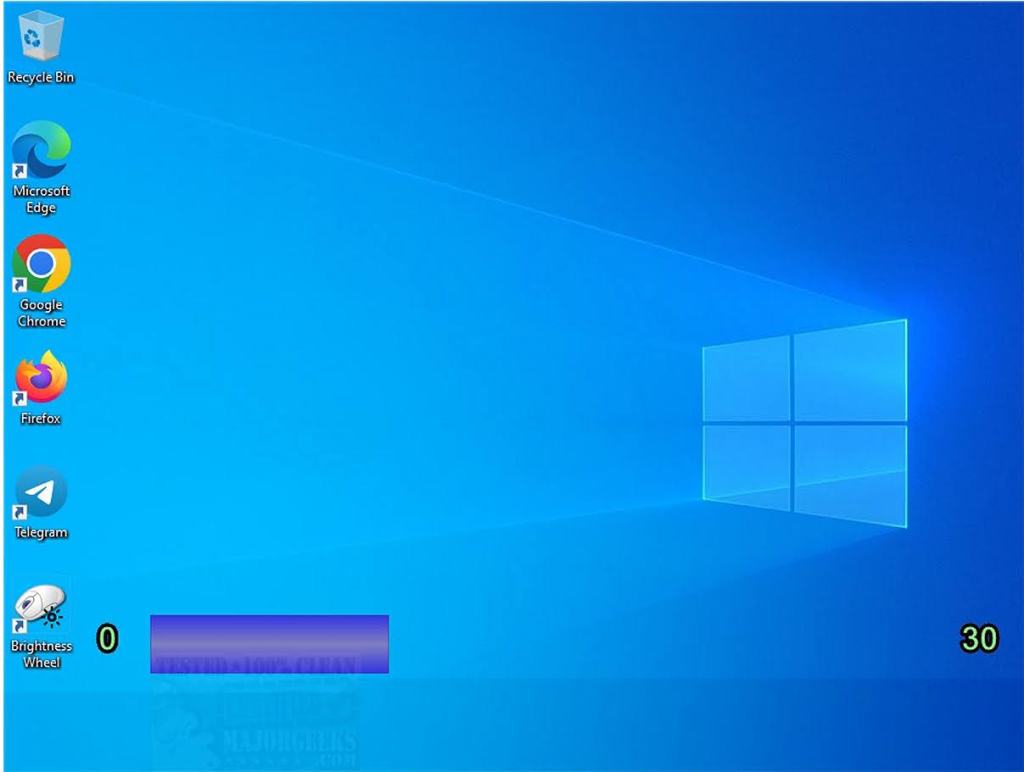
When you’re working at your computer, you often need to increase or decrease your screen brightness. While the built-in process is simple, it requires a few steps and can quickly become tedious if you do it frequently. Sure, there are programs that automatically adjust your brightness based on the time of day, but that hands-off approach doesn’t work for everyone. Some users prefer the freedom to tweak their display instantly with a single, effortless motion. That’s where a handy tool called Brightness Wheel comes in.
With Brightness Wheel, you can control your screen’s brightness directly using your mouse wheel. You can set it up to work alongside a keyboard shortcut, where scrolling one way increases the brightness and scrolling the other way decreases it. Alternatively, you can configure it so that the scroll wheel only adjusts brightness when your cursor is hovering over the taskbar—allowing the wheel to function normally everywhere else. You can even create similar shortcuts for when your cursor rests in one of the screen’s corners.
You can choose whichever combination works best for your workflow, and each time you set one up, you’ll get a clear visual interface to easily manage your custom options. You can download the tool directly from this website.

Leave a Reply