
Every document you write consists of a specific count of words and characters (letters, symbols, numbers, and more). This information is especially useful when you are working under strict writing limits and need precise statistics.

Most office suites already feature built-in tools for this purpose. For instance, in Microsoft Word, the word count updates in real-time and is displayed right in the bottom-left corner. By clicking on it, you can access a detailed breakdown of pages, characters (with and without spaces), paragraphs, and lines.
While this functionality is standard in desktop applications, it is noticeably absent when you write directly on web pages or inside a browser. In those situations, we usually end up copying text into Word to check the length or drafting it there before publishing.

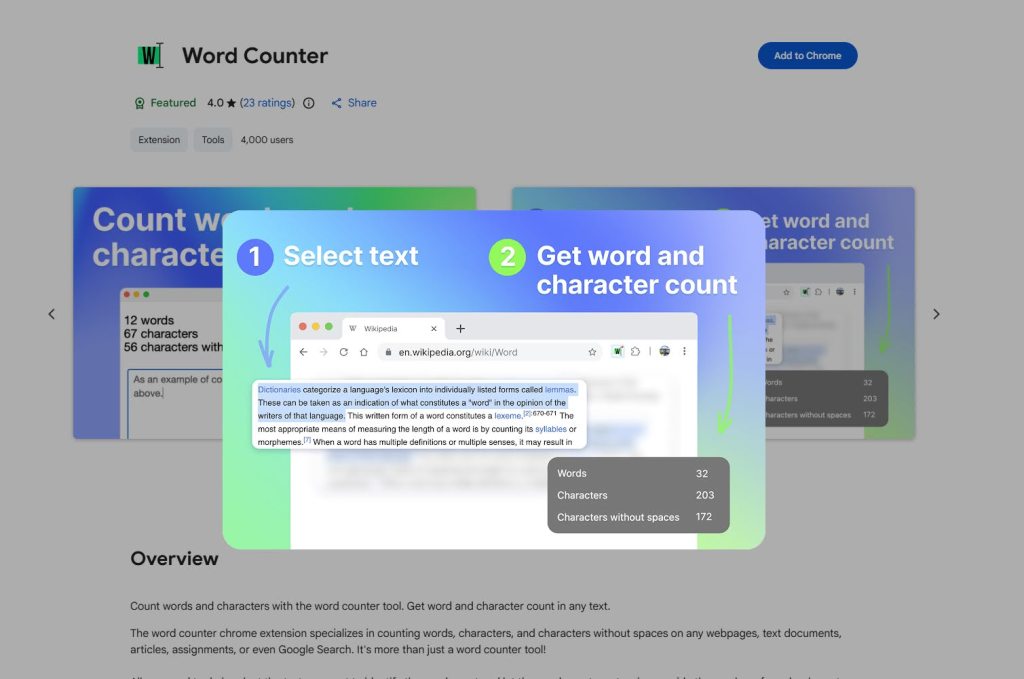
The Word Counter extension completely eliminates this hassle. With a single click, it counts the words and characters entered on any website, while also displaying your average and maximum word lengths.
Using it is simple: just highlight the text, right-click, and select the Word Counter option.
About the Author
Martin Jovanchevski is an independent games journalist and Founder & Editor at Dev & Play Media. This article is an English adaptation of his original review published on IT.mk.

Leave a Reply